Matched camera
Camera calibration from a single photo: lens, position, height, tilt and roll, ready as a Blender camera.
Fig. 2a · Camera
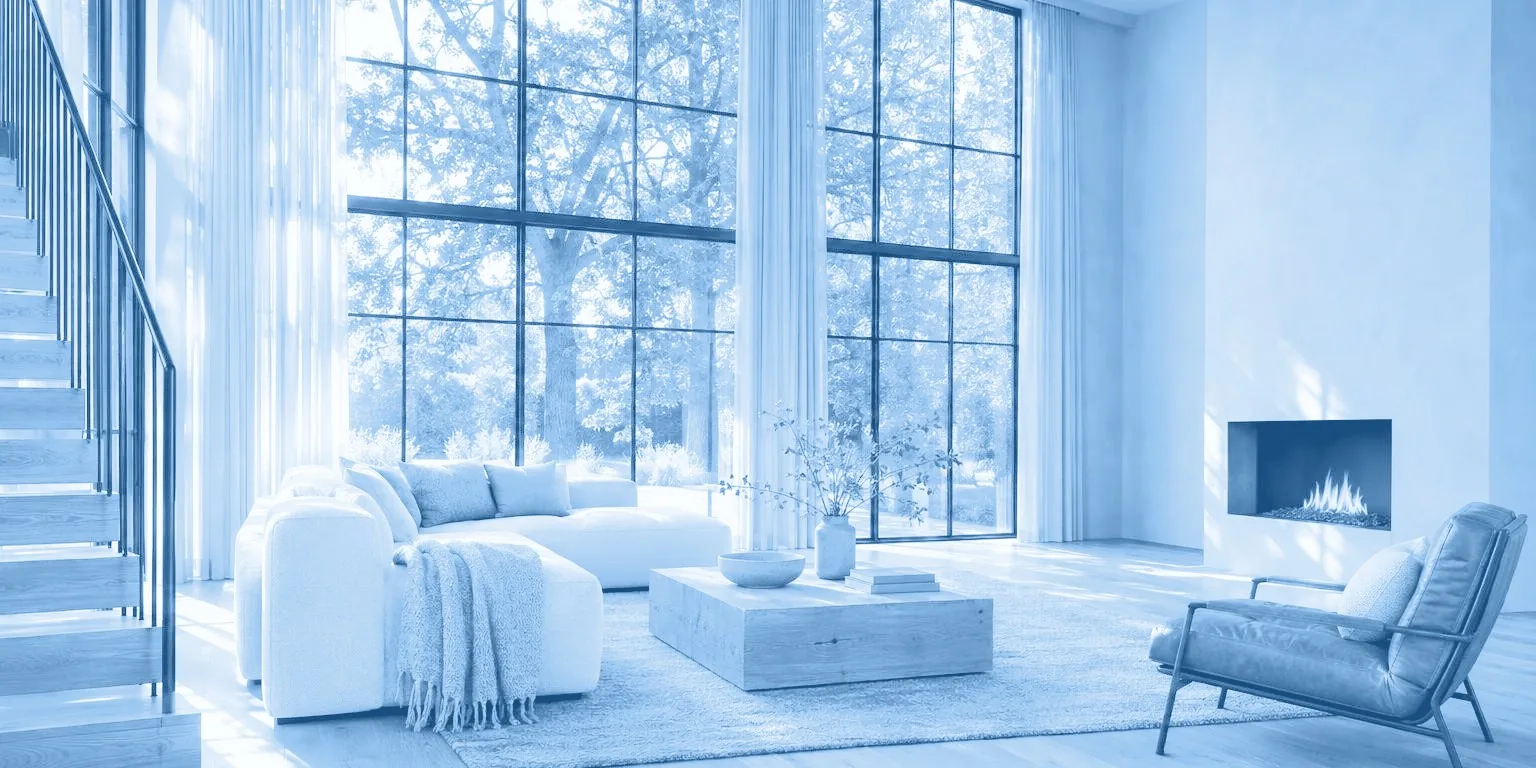 Fig. 0 · Matched camera
Auto camera match add-on for Blender
Drop in a photo and click Match. realPov finds the lens, camera height, tilt and roll, and places the floor, walls and surfaces so you can build on the photo right away. Like an automatic fSpy, plus walls, objects and real scale.
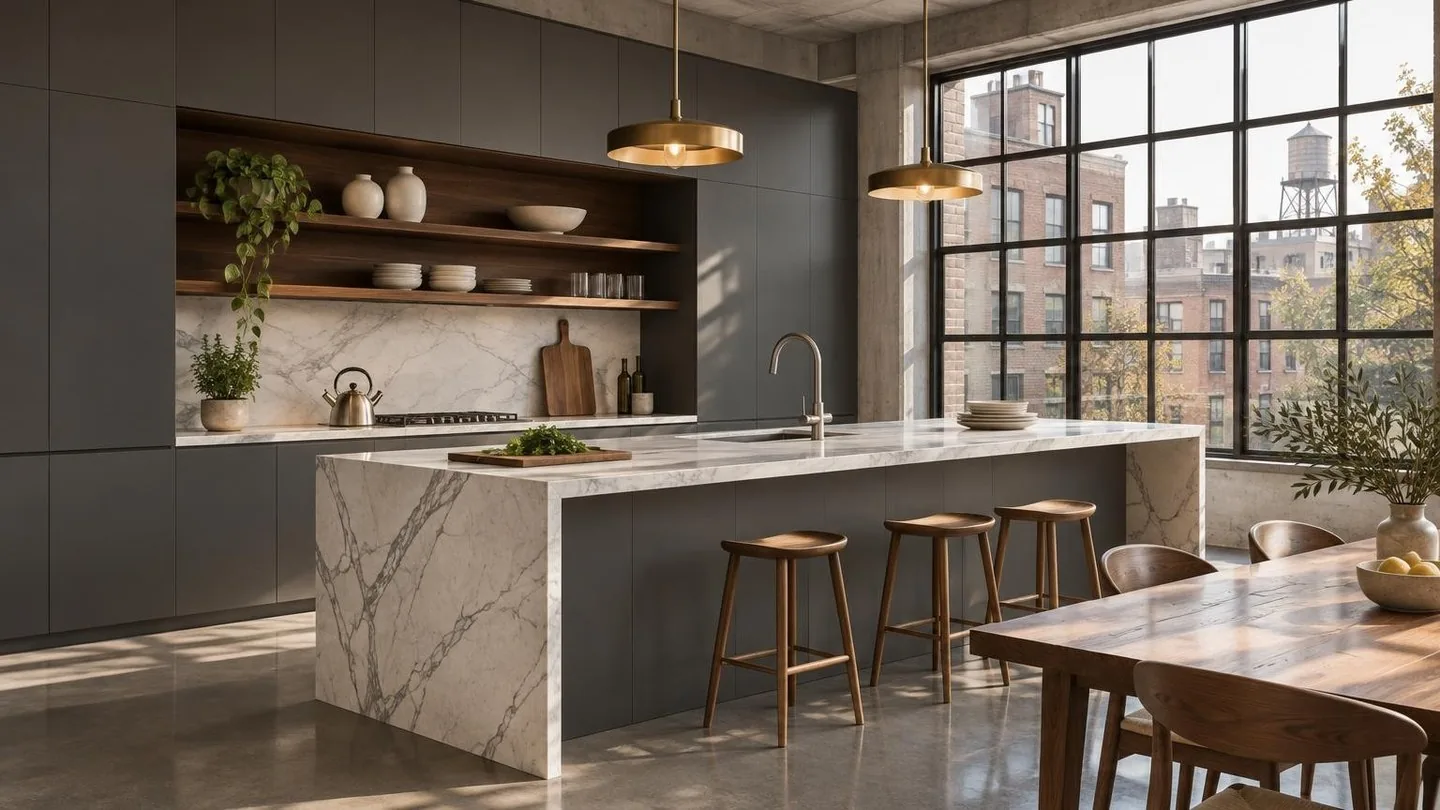
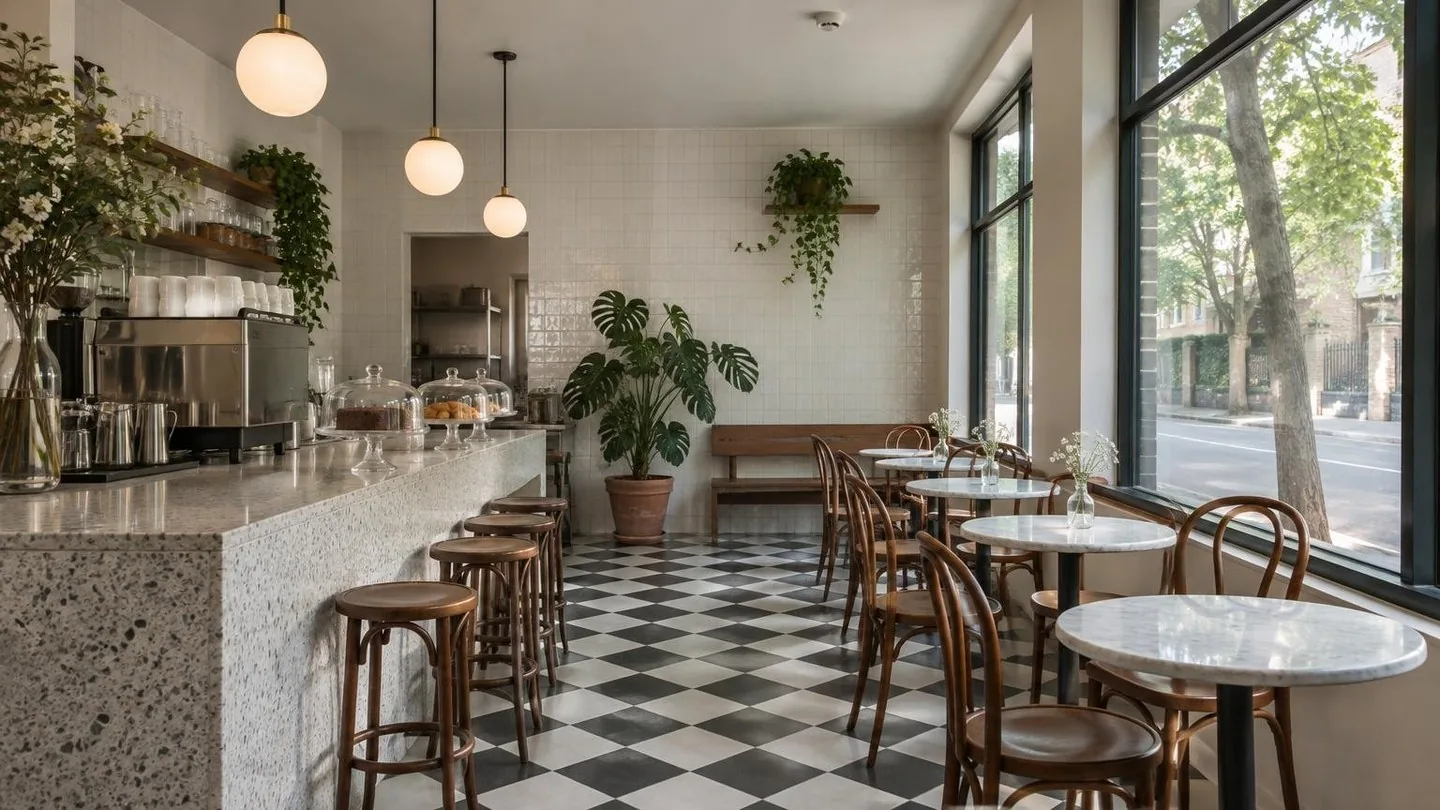
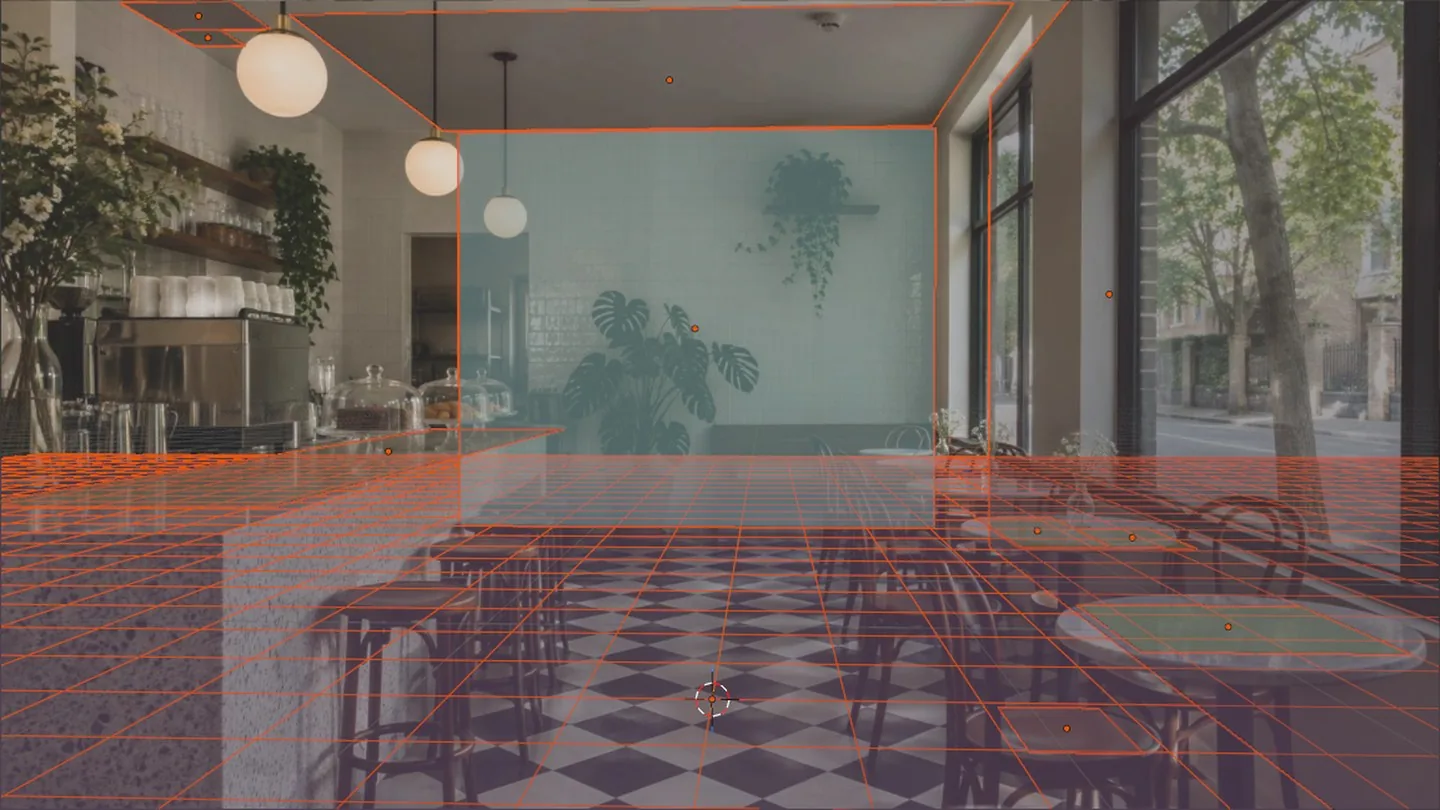
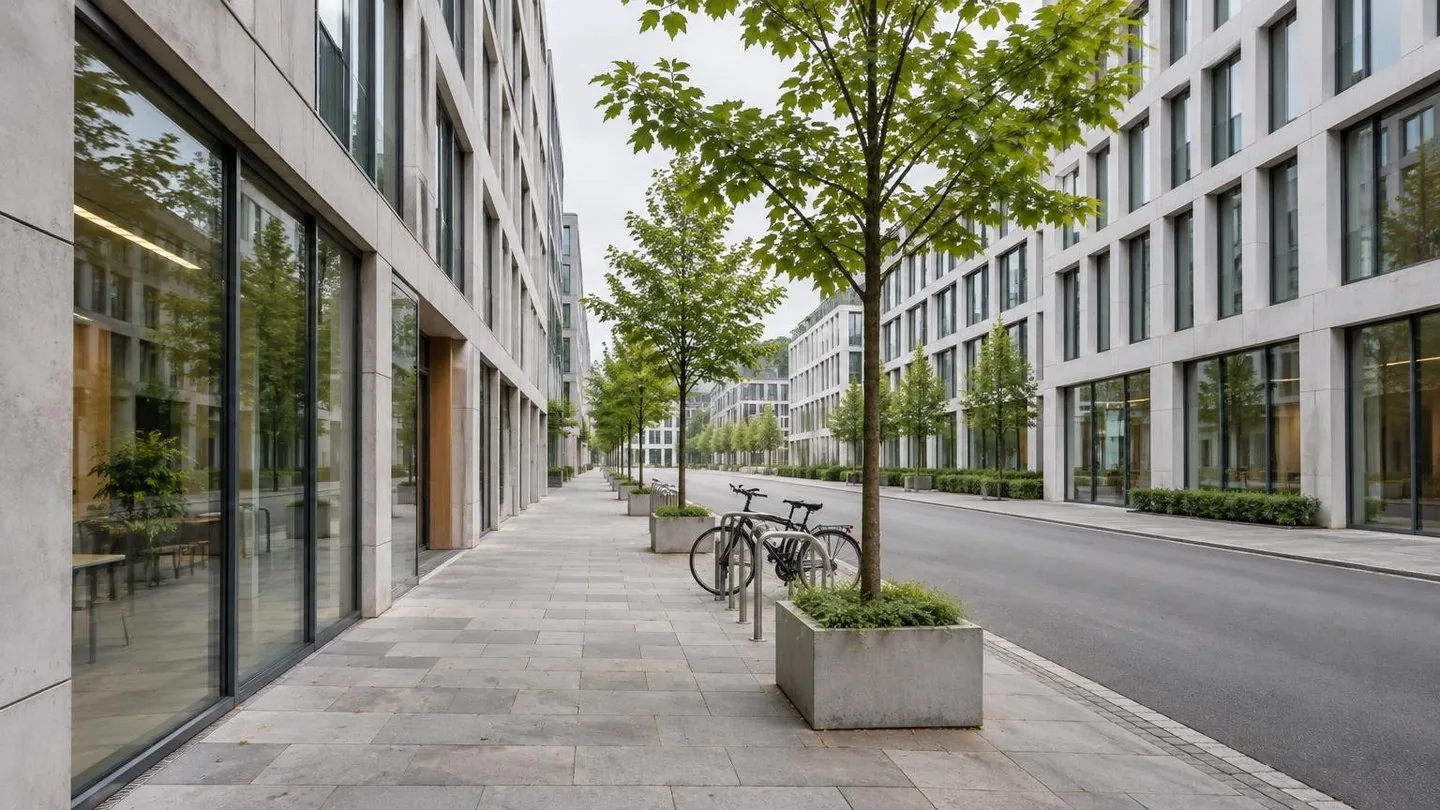
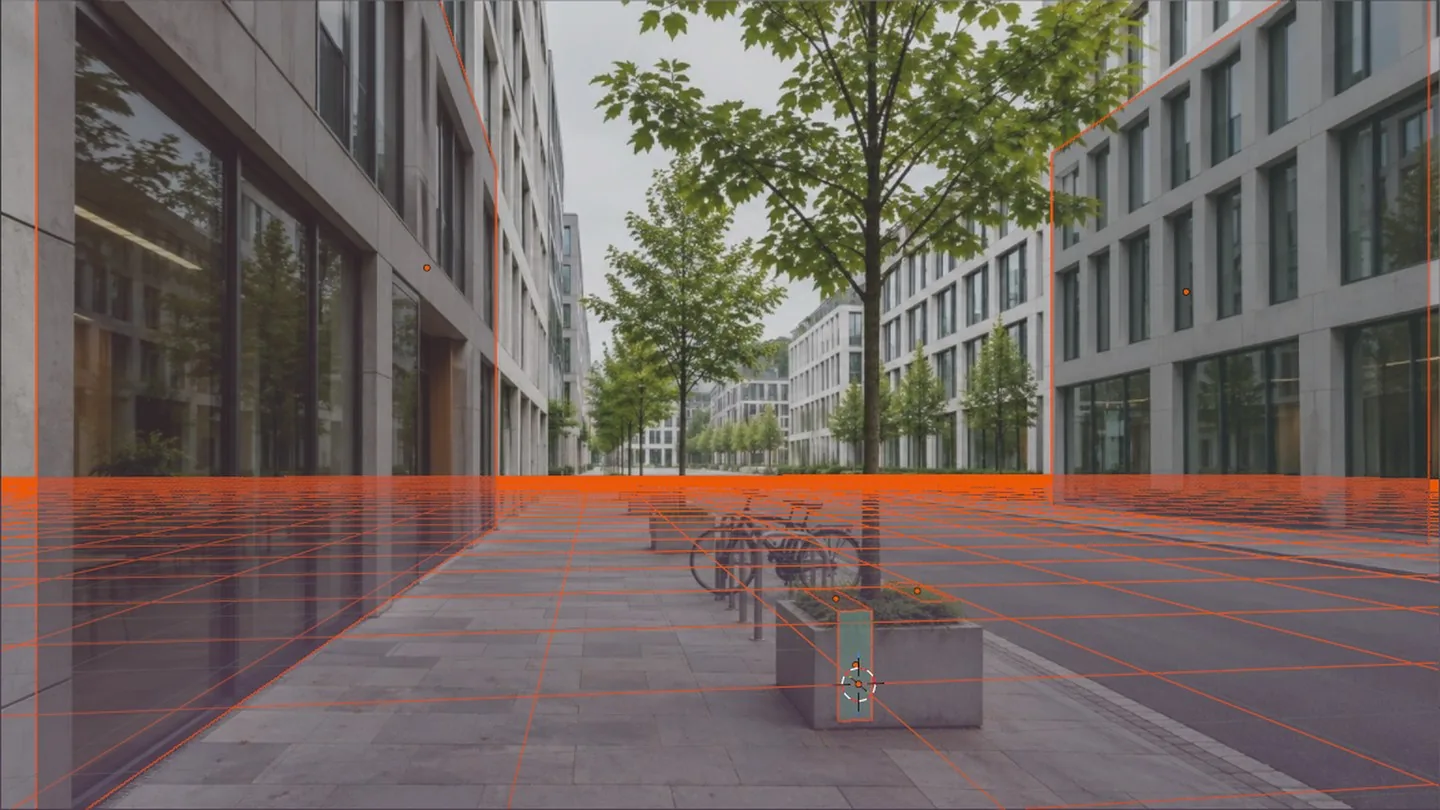
Paste or browse any interior or exterior photo in the realPov panel.
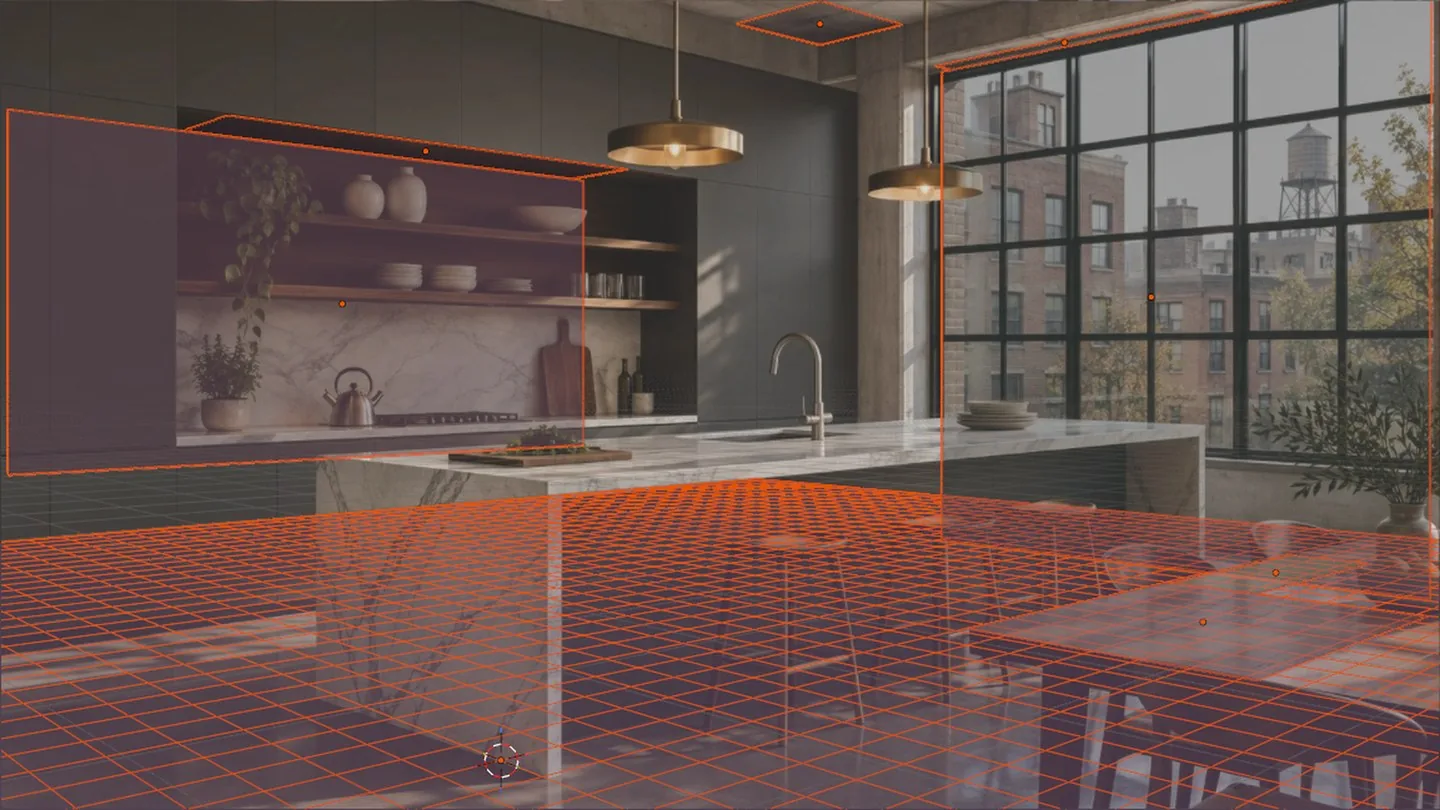
In under 15 seconds realPov calibrates the camera from the photo and adds the floor, walls and main surfaces as reference planes, sized in metres.
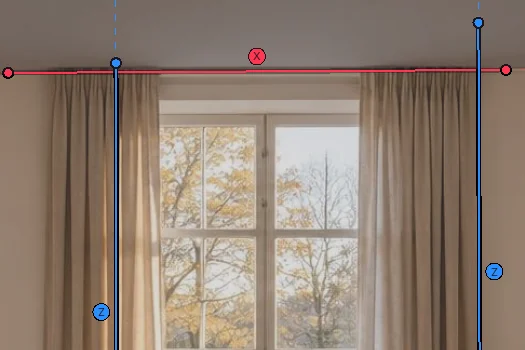
Move vanishing lines and points, or set the lens, height, tilt and roll by number.
Demo · 65 s
Every feature in one run: Match, lines, planes and scale, recorded in Blender.
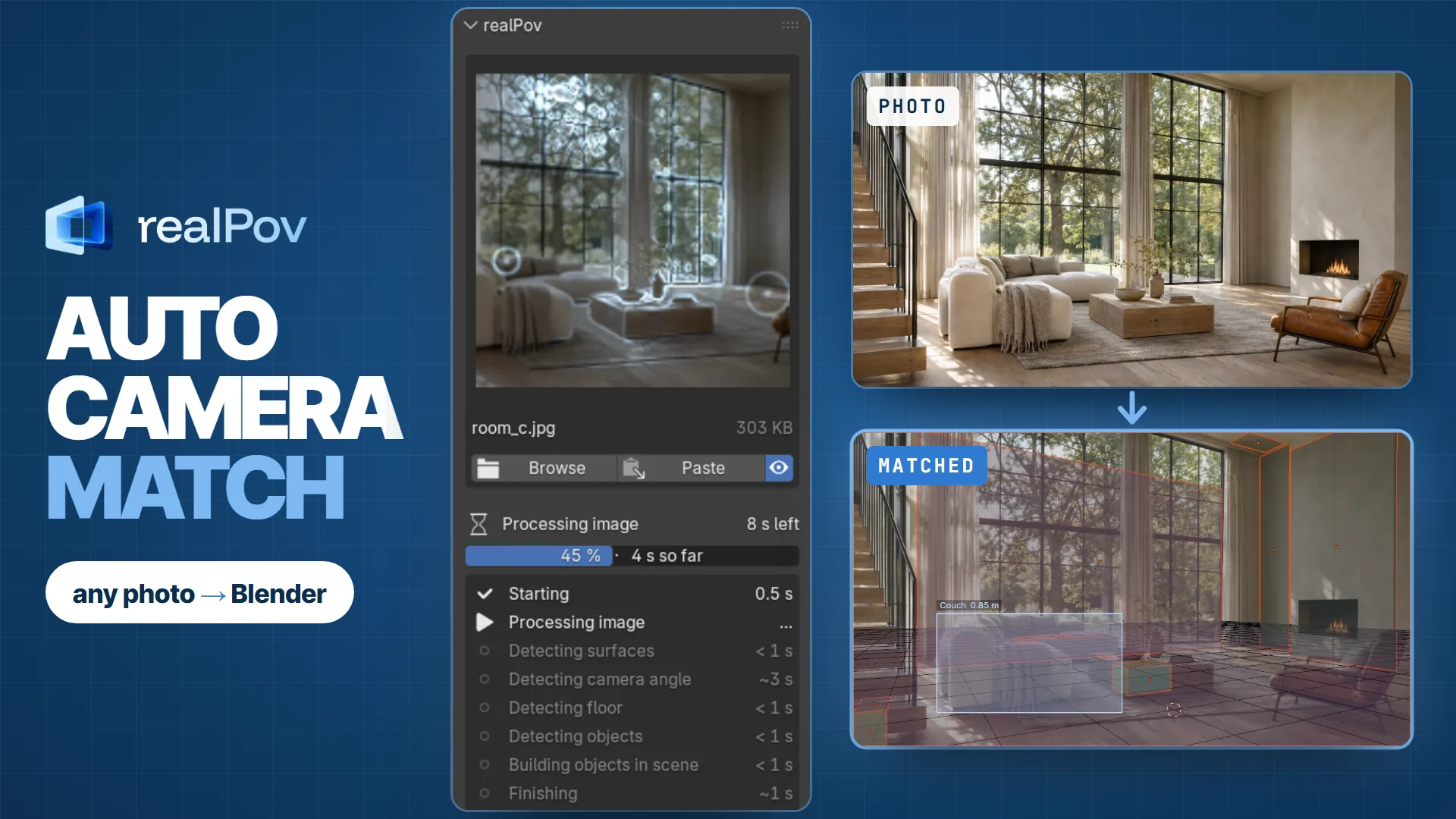
Camera calibration from a single photo: lens, position, height, tilt and roll, ready as a Blender camera.
Fig. 2a · Camera
Floor, walls and main surfaces as simple reference planes, sized in metres, so you can start working faster. Toggle each group on or off.
Fig. 2b · Planes
Like fSpy's lines, but already found and placed on the photo, so there's nothing to guess. Drag an end and the camera refits live.
Fig. 2c · Lines
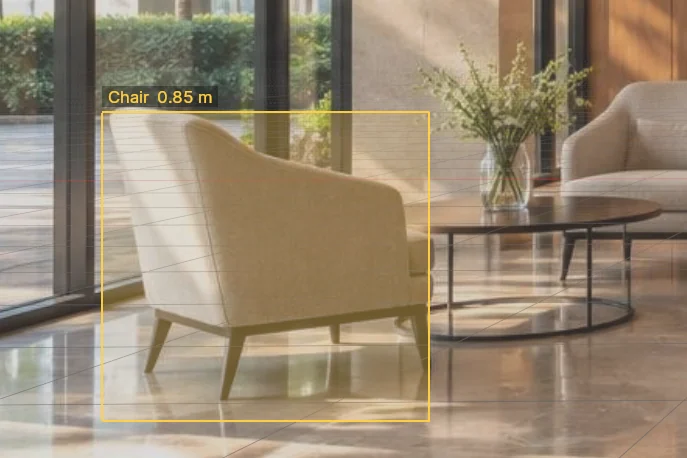
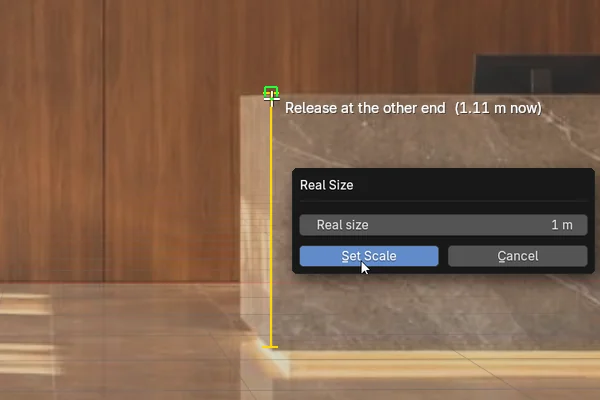
Measure anything in the viewport, or pick a detected object. The scene rescales to match.
Fig. 2d · Scale
Examples
Straight out of Match, no fine-tuning. The orange outlines are the planes it placed. Scroll sideways for more.
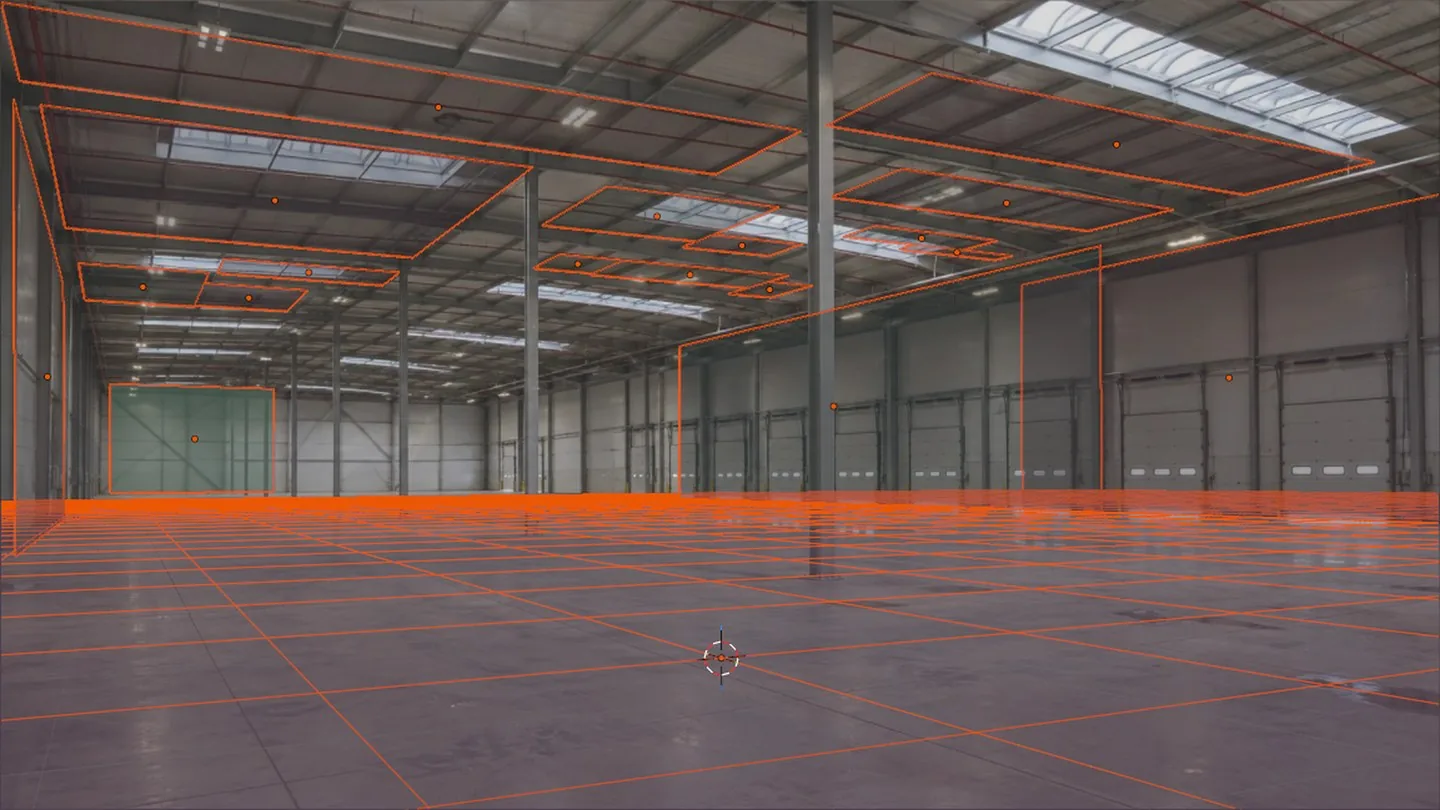
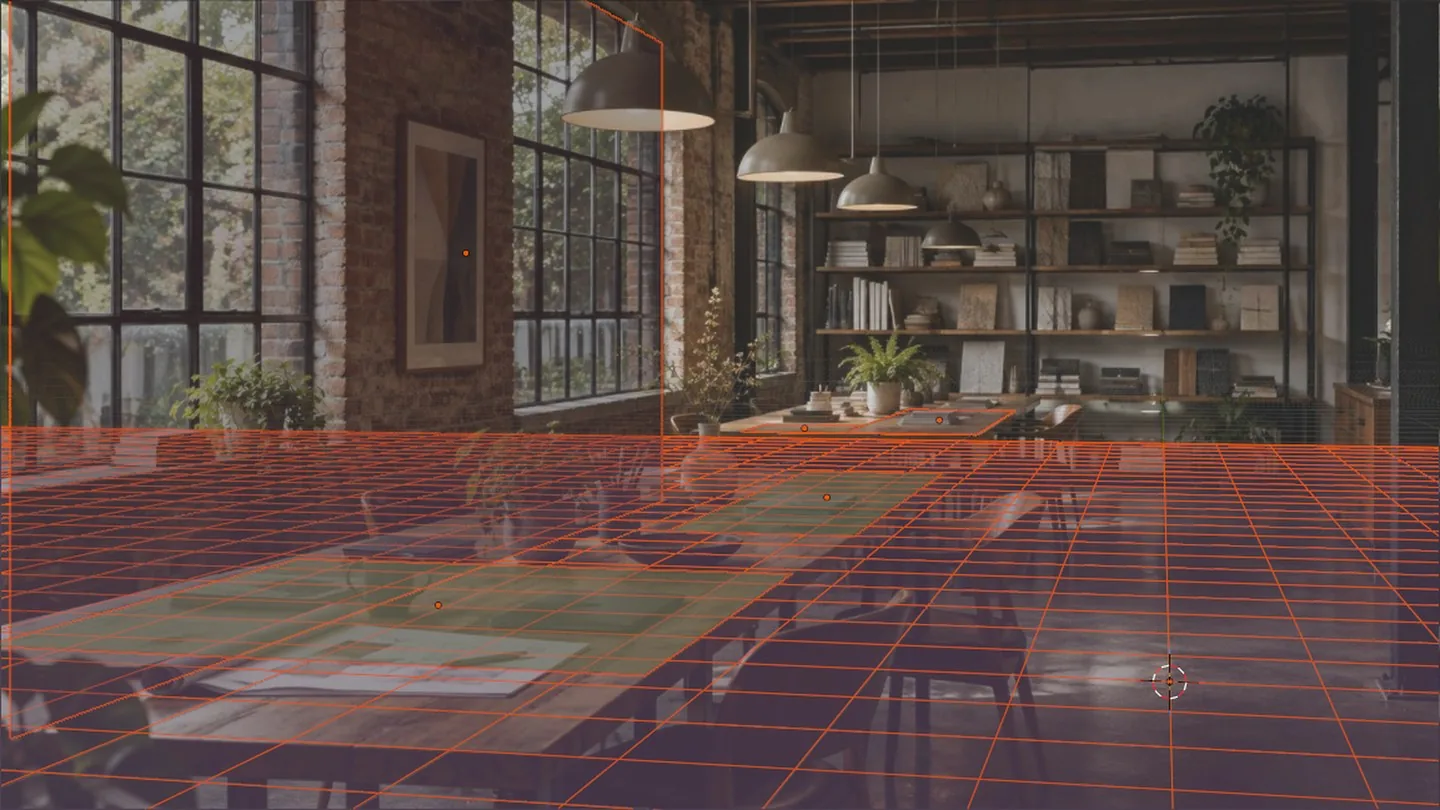
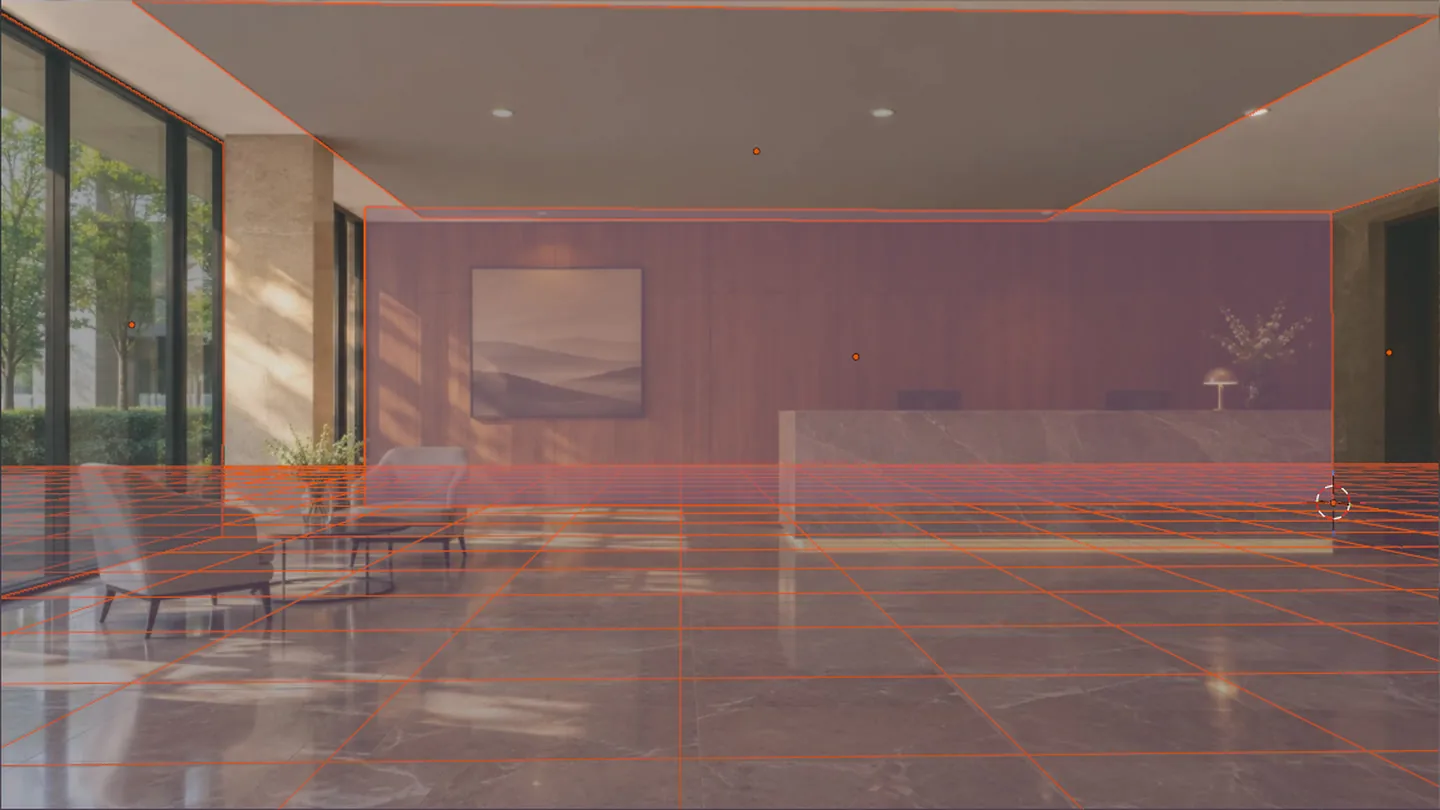
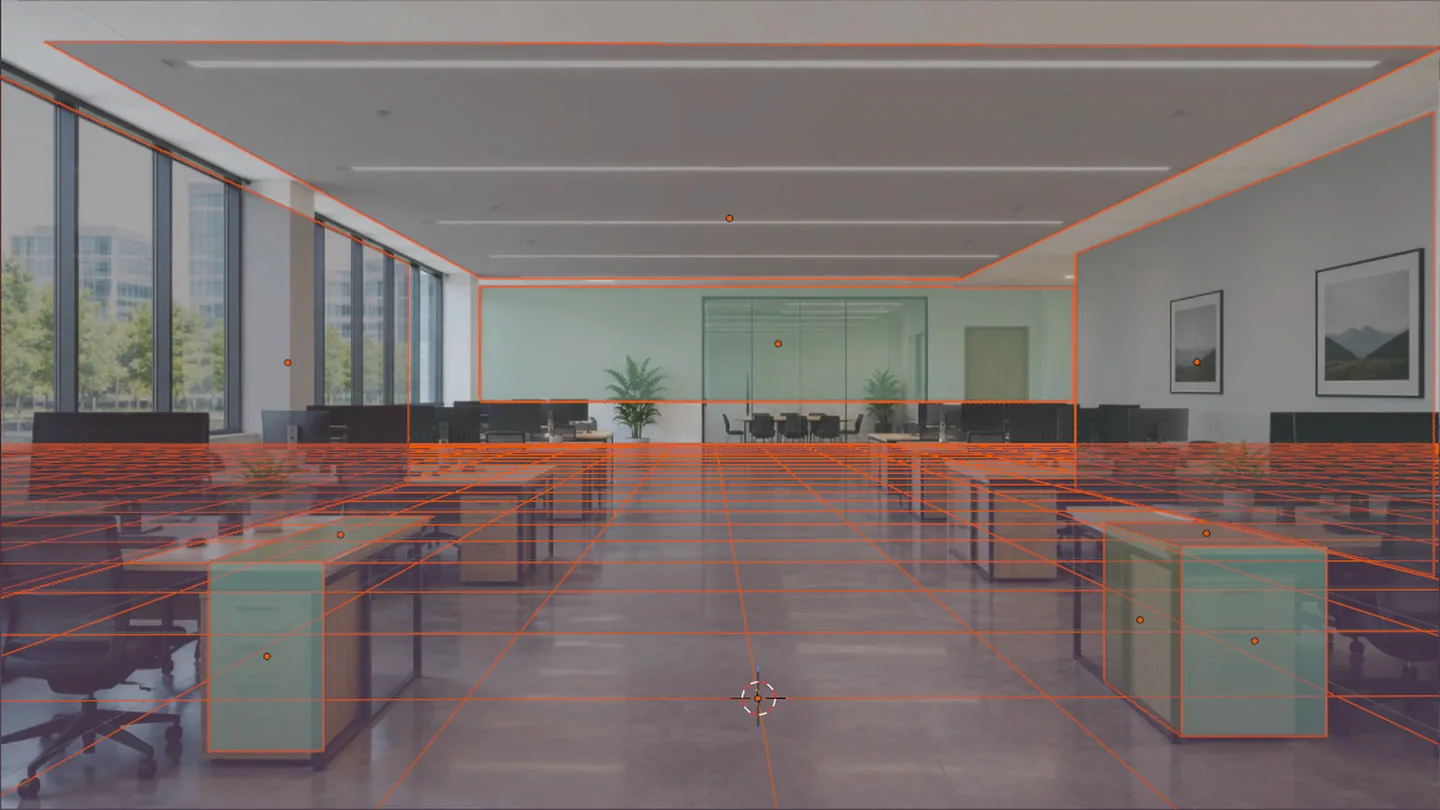
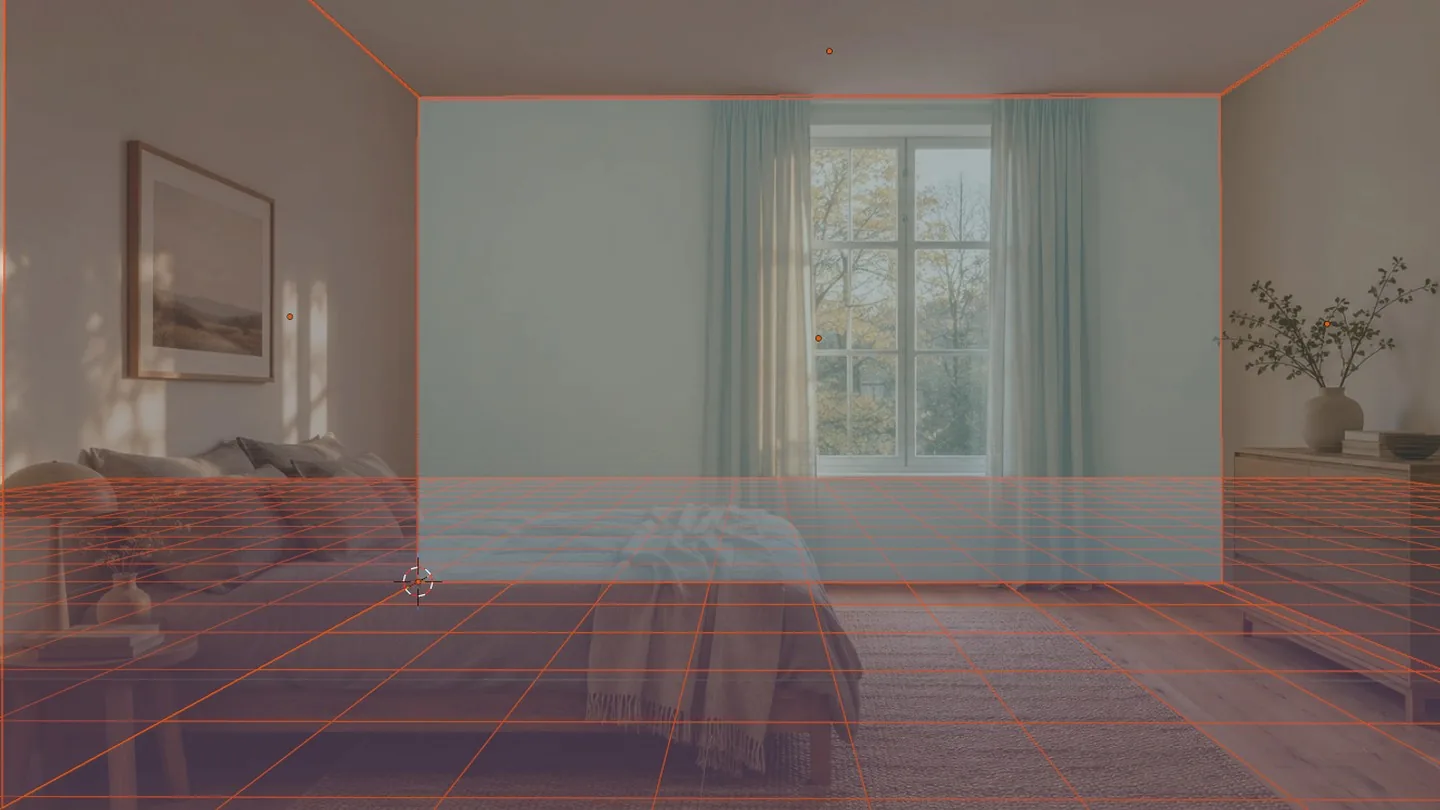
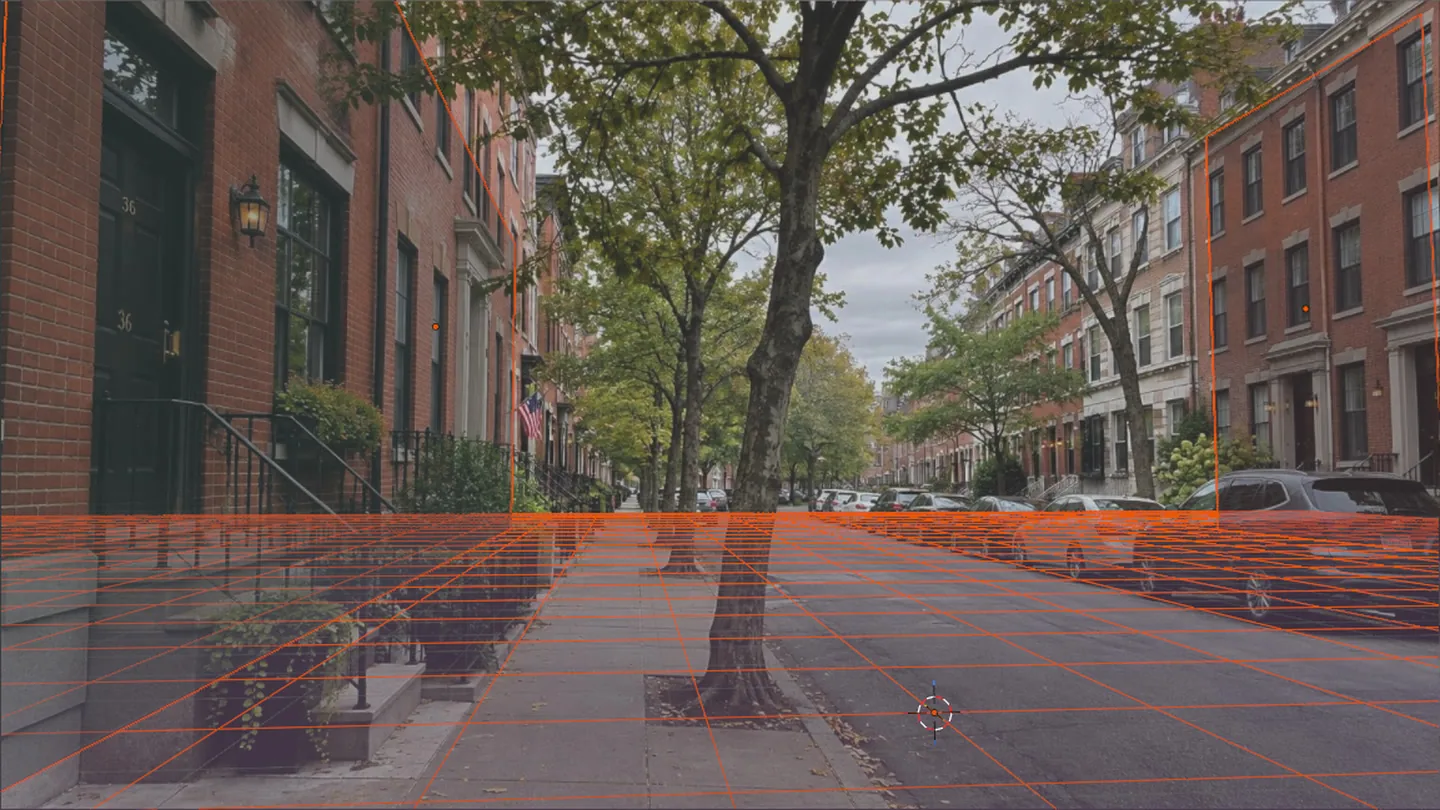
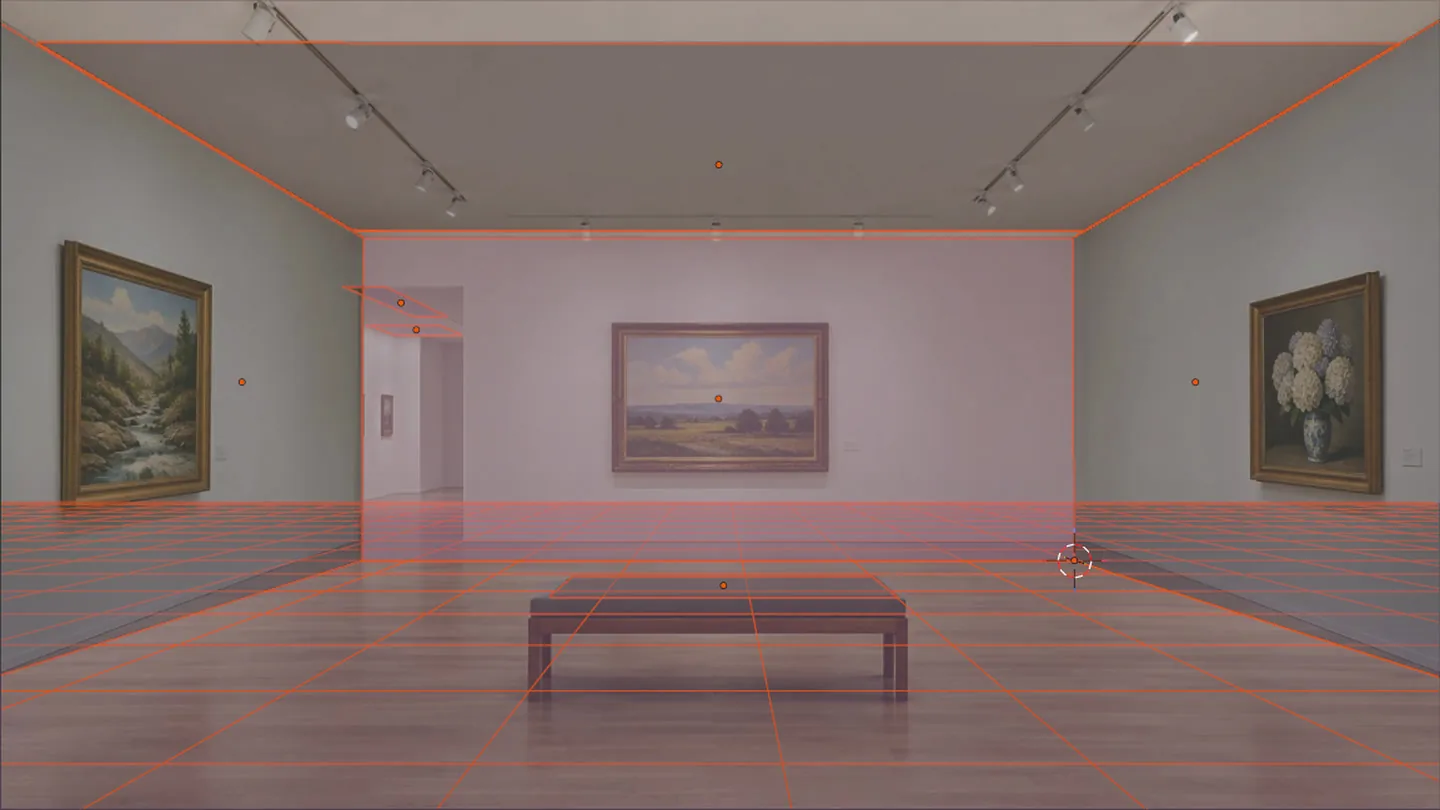
Everyday spaces with clear straight lines, even buildings shot from below.
Still close, but may need a quick fine-tune. Images smaller than about 1280×720 are less accurate too.
Each match gets a quality score from 1 to 10. It shows how accurately the camera matches the photo, so you know right away whether a fine-tune is needed.
Get realPov
Crypto is a modern way to pay online that the stores don't accept, so you can pay with it here. With no marketplace or card fees, you save 20%.
Bought directly from us, at the lowest price.
$30$24
Buy on a store you already use. Same files, same updates.
Install
Blender 4.4 or newer · installs like any Blender add-on
Get the .zip from your receipt email or your store library.
In Blender: Edit → Preferences → Add-ons, open the ⌄ menu at the top right and choose Install from Disk.
In the 3D viewport, press N and pick the realPov tab in the sidebar.
Paste or browse a photo and click Match Camera. That's it.
FAQ
The short version: one photo in, a matched camera and reference planes out, all on your own computer.
It matches a Blender camera to a photo: lens, camera height, tilt and roll. As an extra, it adds the floor, walls and main surfaces as reference planes, so you can start modelling, placing objects or rendering into the photo faster. In short: automatic camera and perspective matching for Blender.
No. realPov is an auto camera match tool. The floor, walls and surfaces are simple reference planes that help you start faster, not a 3D copy of the room. You build the rest yourself, on a camera that already fits the photo.
fSpy is a free standalone app: you place the vanishing lines by hand, then import the camera into Blender. realPov is like an automatic fSpy that goes further. It works inside Blender, finds the camera on its own from one photo, and adds the floor, walls, surfaces, detected objects with their sizes, and real-world scale. When a result needs a nudge, the lines already point in the right directions, along the photo's X, Y and Z axes. No guessing where they go, and no importing only to find the camera faces the wrong way: drag an end and the camera updates live.
Under 15 seconds on a mid-range graphics card. realPov does the heavy work on your GPU, which is what keeps the match this quick. A PC without a graphics card works too, in about 30 to 40 seconds. Everything runs on your computer; nothing is uploaded.
Interiors and exteriors with clear straight lines, including buildings shot looking up with no ground in frame. Very long lenses, open scenes with few straight lines and cropped photos are less accurate: still close, but may need a quick fine-tune. For the best match, use an image of about 1280×720 or larger; smaller images still work, with lower accuracy.
Every match gets a quality score from 1 to 10, shown in the panel with a colour bar: 1-3 poor, 4-6 fair, 7-8 good, 9-10 excellent. It shows how accurately the camera matches the photo, so you know right away whether a fine-tune is needed.
Yes. Adjust vanishing lines and points directly on the photo, or set the lens, height, tilt and roll by hand. Scale can be set by measuring anything in the viewport or picking a detected object.
Blender 4.4 or newer. realPov installs from a single .zip, like any Blender add-on.
Yes, updates are free, whether you buy here or on a store.
Crypto is a modern way to pay online, but the stores don't accept it, so we sell directly here to give everyone a way to buy. It also skips marketplace and card fees, and that saving goes to you as 20% off. The add-on and updates are the same as on the stores.
Sign in at support.realpov.cam with the email you bought with. The first time, choose Get access and we email you a link to set your password. There you can open a ticket, attach a screenshot or log, and follow every reply. Questions before buying go through the contact form.
Contact
Questions before buying, a problem with a match, or a licence question. We reply by email.
Thanks, . We got your message and will reply to .
No reply in your inbox? Check the spam folder.